LoopChat

✦ AI Agents

AI agents that answer every customer, instantly

Connect your OpenAI key and let LoopChat answer open-ended questions in your business's tone, inside the hours you set, and hand over to a human the moment it matters.

app.loopchat.in
WhatsApp AI Agents in LoopChat
Answers open-ended questions, not just keyword matches
Replies in your business's tone, from your own knowledge
Runs inside the business hours you set, silent outside them
One-click human takeover, with full conversation history
01

Trained on your business, not the internet

The assistant answers from the context you give it, so replies stay accurate about your pricing, your stock and your policies. When it does not know, it says so and passes the chat to your team instead of inventing an answer.

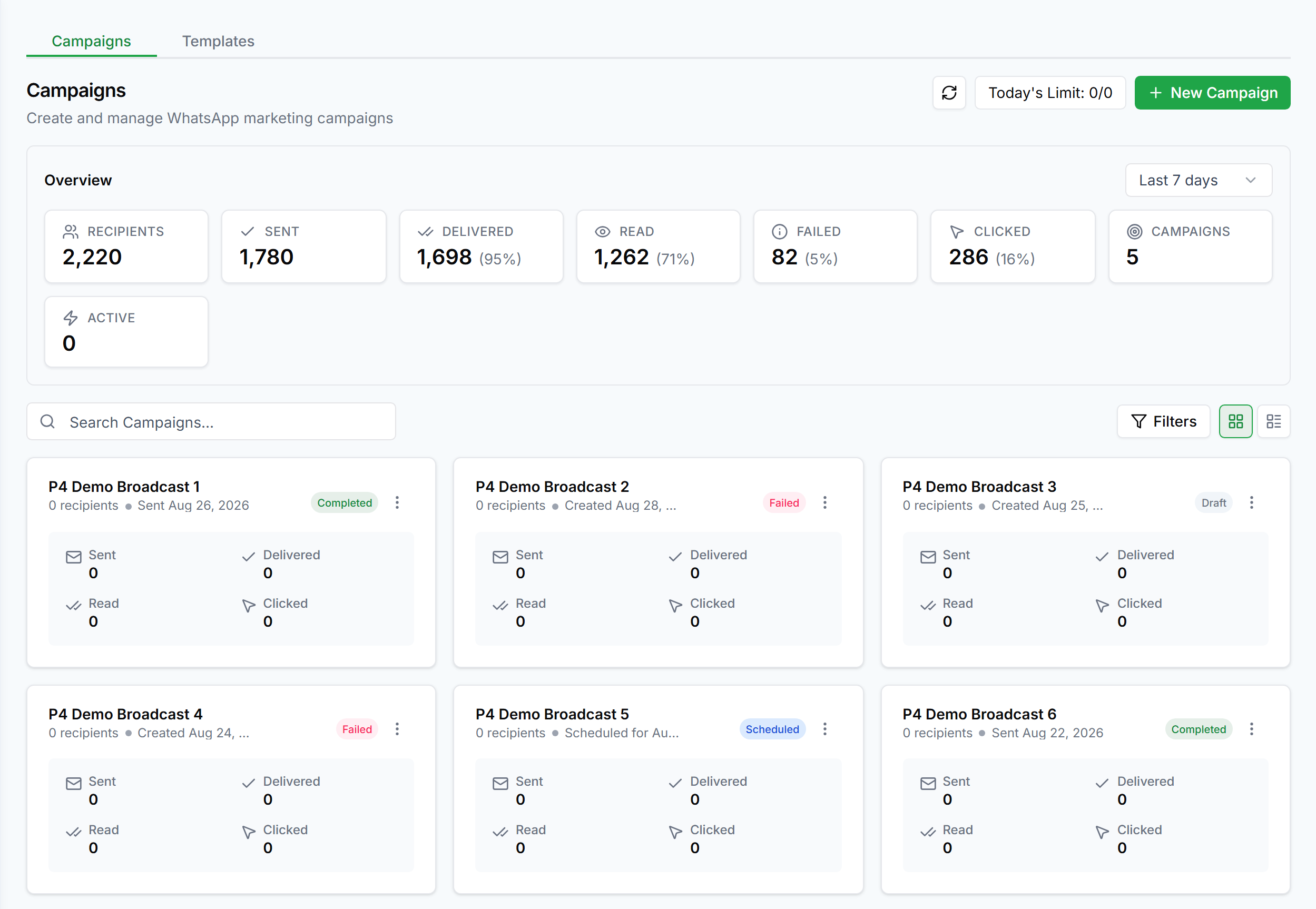
Trained on your business, not the internet in LoopChat
02

A human is always one click away

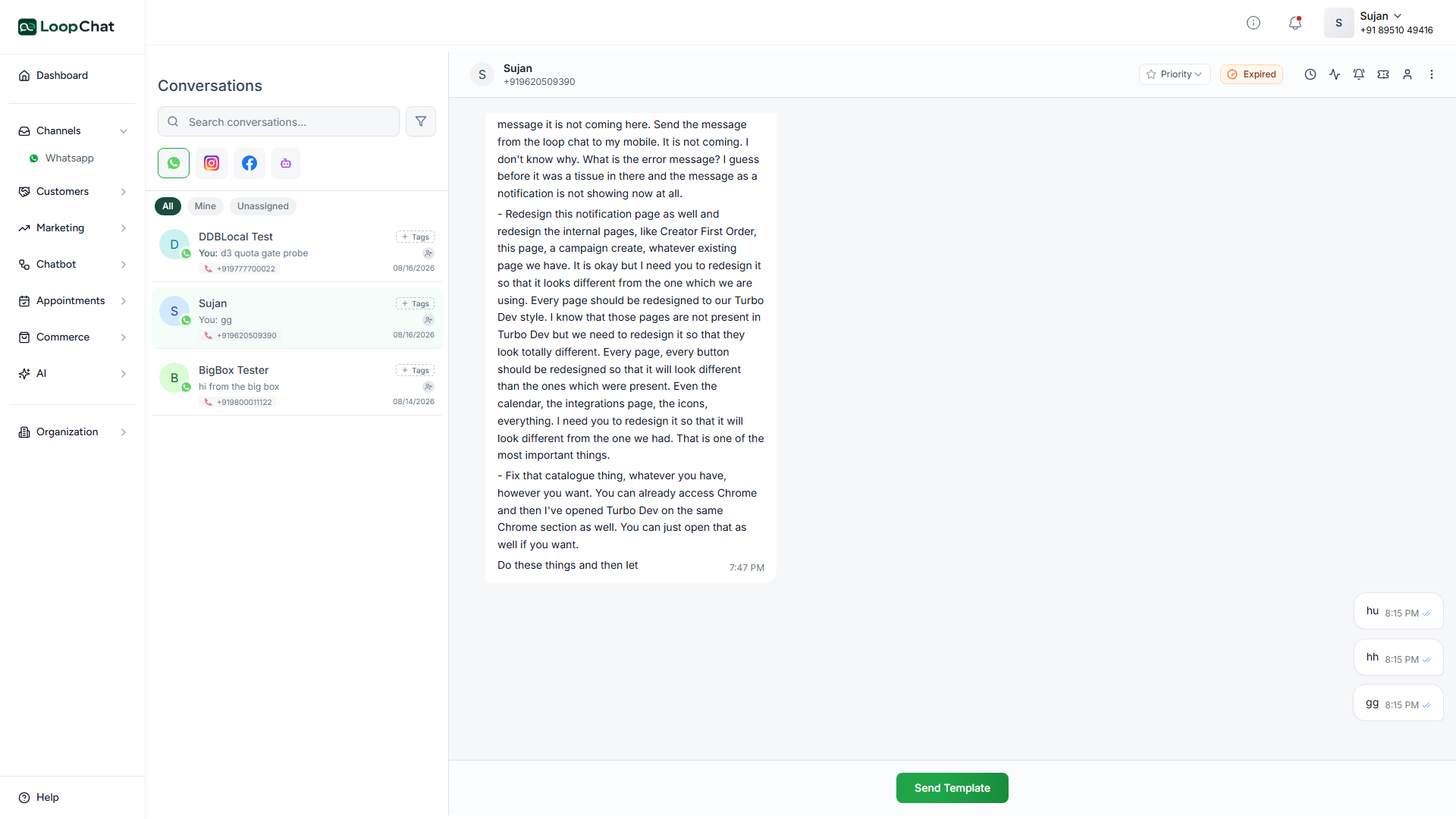
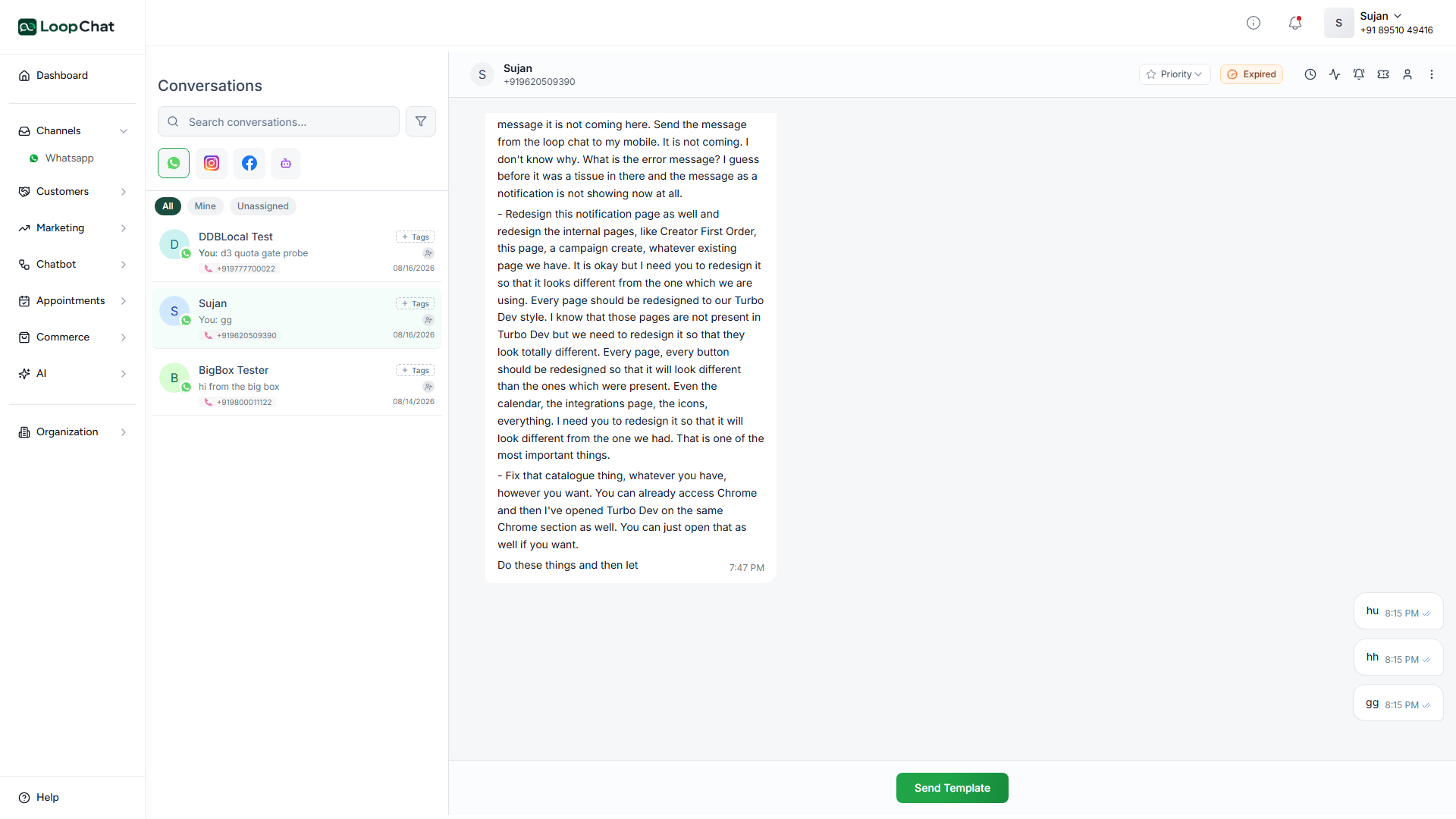
Every AI conversation lands in the same shared inbox as the rest. An agent can take over mid-thread, add a private note, assign the chat to a colleague, and the customer never notices a handover happened.

A human is always one click away in LoopChat
03

Works with everything else in LoopChat

AI replies sit alongside keyword replies and guided bot flows. Use flows for the routine, structured paths, and let the AI absorb everything that does not fit a script.

✦ Capabilities

What WhatsApp AI Agents gives you

Tool calling

The agent can call configured actions mid-conversation, not just talk, so it can act on what the customer is asking for.

Answers in your tone

Replies are grounded in the business context you give it, not a generic internet answer.

Business hours aware

Runs inside the hours you set and stays quiet outside them, no 3am replies from a bot.

One-click human takeover

Any AI conversation can be taken over by a teammate mid-thread, with full history intact.

Same shared inbox

Every AI conversation is visible to your whole team, not locked in a separate AI tab.

Grounded, not guessing

When the context you have given it does not cover a question, it says so instead of inventing an answer.

✦ Setup

Live in an afternoon

1

Connect your OpenAI key

Bring your own key so usage and cost stay under your control.

2

Give it context

Add the business knowledge you want it to answer from: pricing, policies, stock.

3

Set its hours

The agent stays inside the business hours you configure, and silent outside them.

4

Hand over anytime

A teammate can take over mid-thread in one click, with the full history intact.

Getting started with WhatsApp AI Agents

✦ FAQ

Questions about WhatsApp AI Agents

Anything else? Talk to us and we will answer it directly.

Does the AI make things up?

It answers from the context you provide. Where that context does not cover a question, it says so and the thread goes to your team instead of guessing.

Can the AI actually do things, not just answer questions?

Yes. It can call configured tools mid-conversation, so it can act on a request rather than only describing what you could do.

Who pays for the AI usage?

You connect your own OpenAI key, so usage is billed to you directly at OpenAI's rates. LoopChat does not mark it up.

Put your conversations on autopilot today

Free plan · Official API · Live in under a day.